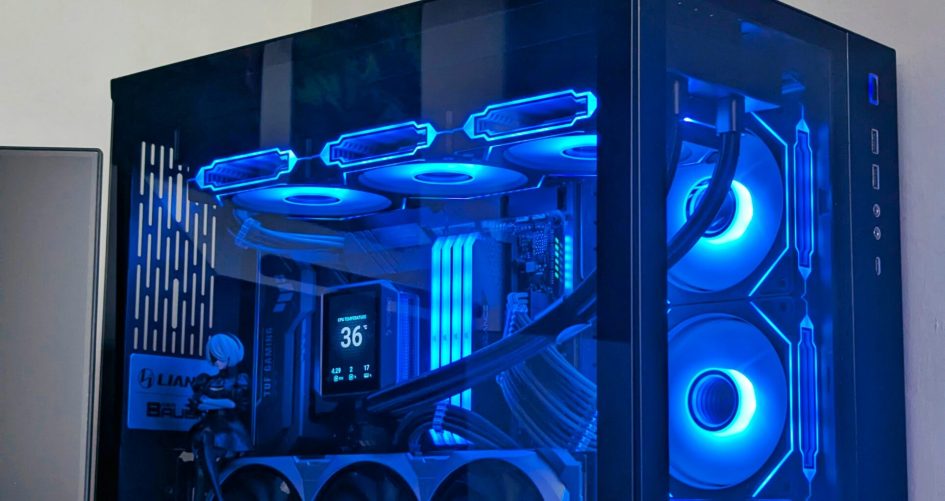
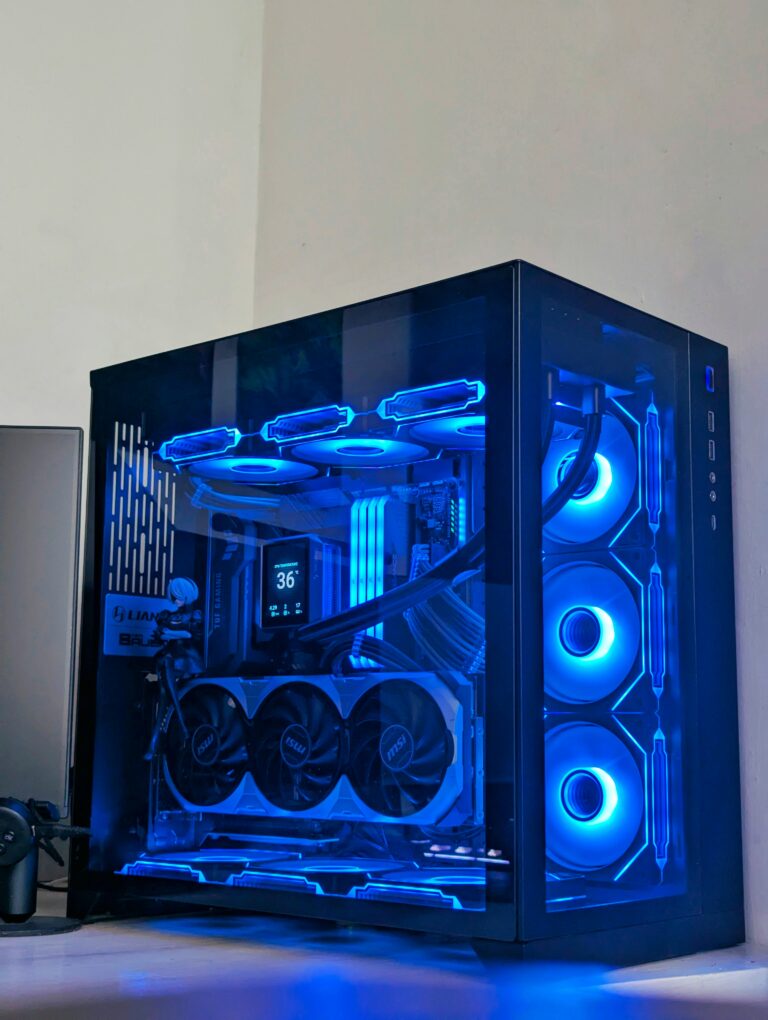
A custom PC gives you a computer built around what you actually do. Instead of paying for features you will never use, you put your budget into the parts that matter most for your work or your games. The key is choosing parts that match your needs, your budget, and each other. This guide explains the main decisions in simple terms.
Start With How You Will Use the PC
Every good build starts with one question: what is this computer for? The answer decides where the money should go.
- Gaming: the graphics card matters most, followed by the processor
- Office and study: a reliable processor, enough memory, and a fast SSD
- Design and video editing: a strong processor, plenty of memory, and a capable graphics card
- Everyday home use: a balanced, affordable build with room to upgrade later
The Core Parts Explained
A PC is made of a small number of main components. Understanding what each one does makes it much easier to plan a build.
- Processor (CPU): handles the general work of the computer
- Graphics card (GPU): draws games, video, and 3D work on screen
- Memory (RAM): lets the PC run several programs smoothly at once
- Storage: holds your system, programs, and files
- Motherboard: connects every part together
- Power supply: delivers stable power to the whole system
These parts must be compatible with each other. A processor only fits certain motherboards, and a powerful graphics card needs a power supply that can support it.
Why an SSD Makes Such a Difference
Storage is one of the easiest places to feel a speed improvement. A computer running on an NVMe SSD starts up, opens programs, and loads games far faster than one running on a traditional hard drive. For most builds, installing the operating system on an SSD is one of the best value decisions you can make.
Do Not Forget Cooling, Power, and Peripherals
It is tempting to spend the whole budget on the processor and graphics card, but the supporting parts protect that investment.
- A quality power supply helps keep the system stable
- Good airflow and cooling help parts last longer
- A comfortable keyboard and mouse improve daily use
- A suitable monitor lets you see the performance you paid for
Build With Expert Help
Choosing parts is only half the job. They also need to be assembled carefully, tested, and set up properly. A professional build saves time and helps avoid costly compatibility mistakes.
Radiant Technologies builds custom PCs for gaming, productivity, and creative work. Share how you plan to use your computer and your budget, and the team can recommend a build that fits.
Related reading: Creativity Meets Technology: Custom PCs, Printing, and Graphic Design Services | Keeping Your Devices Running Smoothly with Reliable Computer Repairs
Planning a build? Browse parts in our online shop or contact Radiant Technologies or call 070 677 0710.